Action Bar Binding
Automatically switch action bars based on your equipped weapon
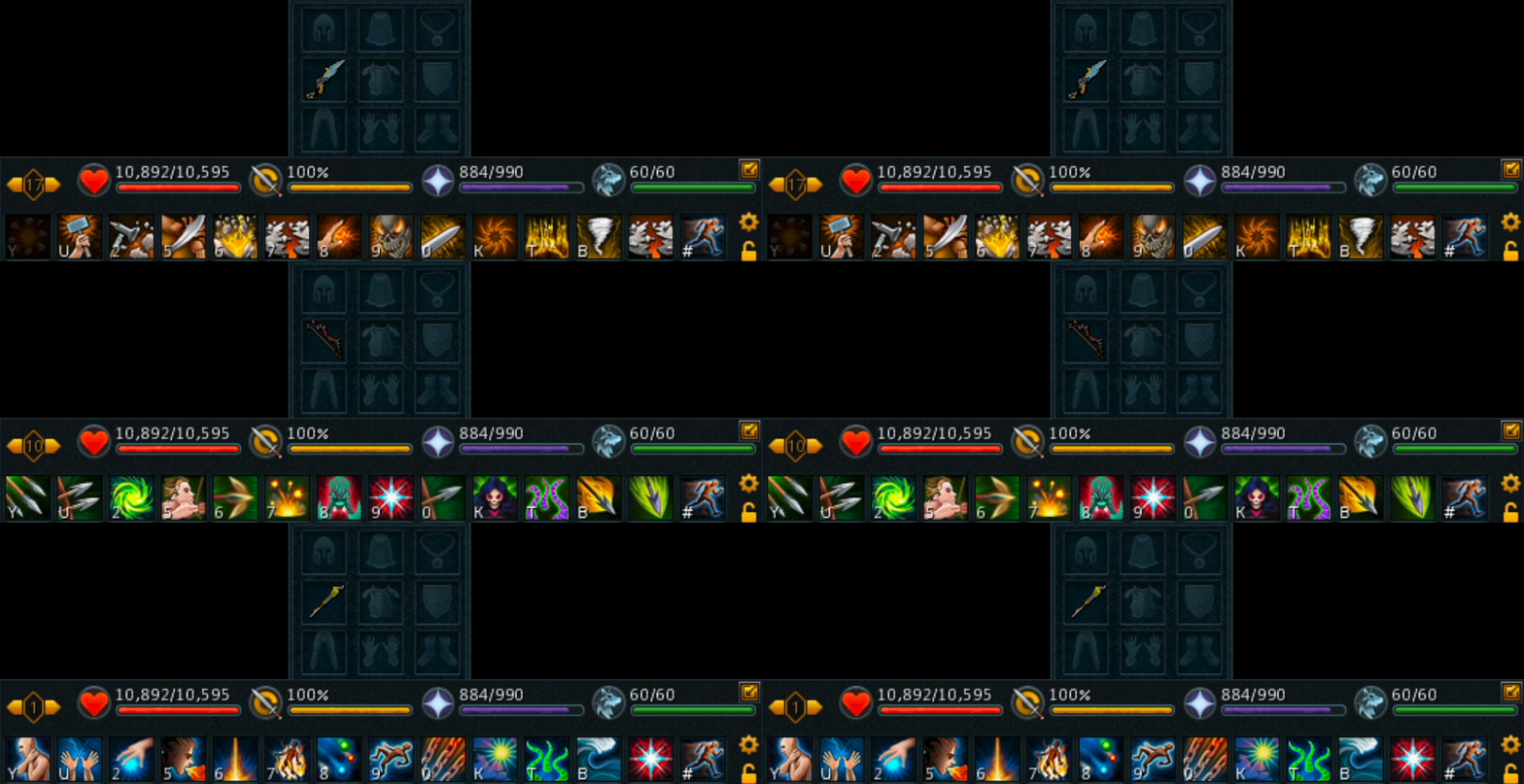
Action bar binding will automatically switch your bars based on what style or type of weapon you have equipped. It is commonly used to automatically swap your bars when you use a different style. This is toggled on by default.
Settings
Switch Action Bar Presets When Loading Bank Presets
This will activate your action bar bindings when loading a bank preset with applicable weapons in it, recommended to turn on.
Action Bar Binding
This is your main 'on-off' button. You can set up bindings at any point, but turn them off here if not currently needed.
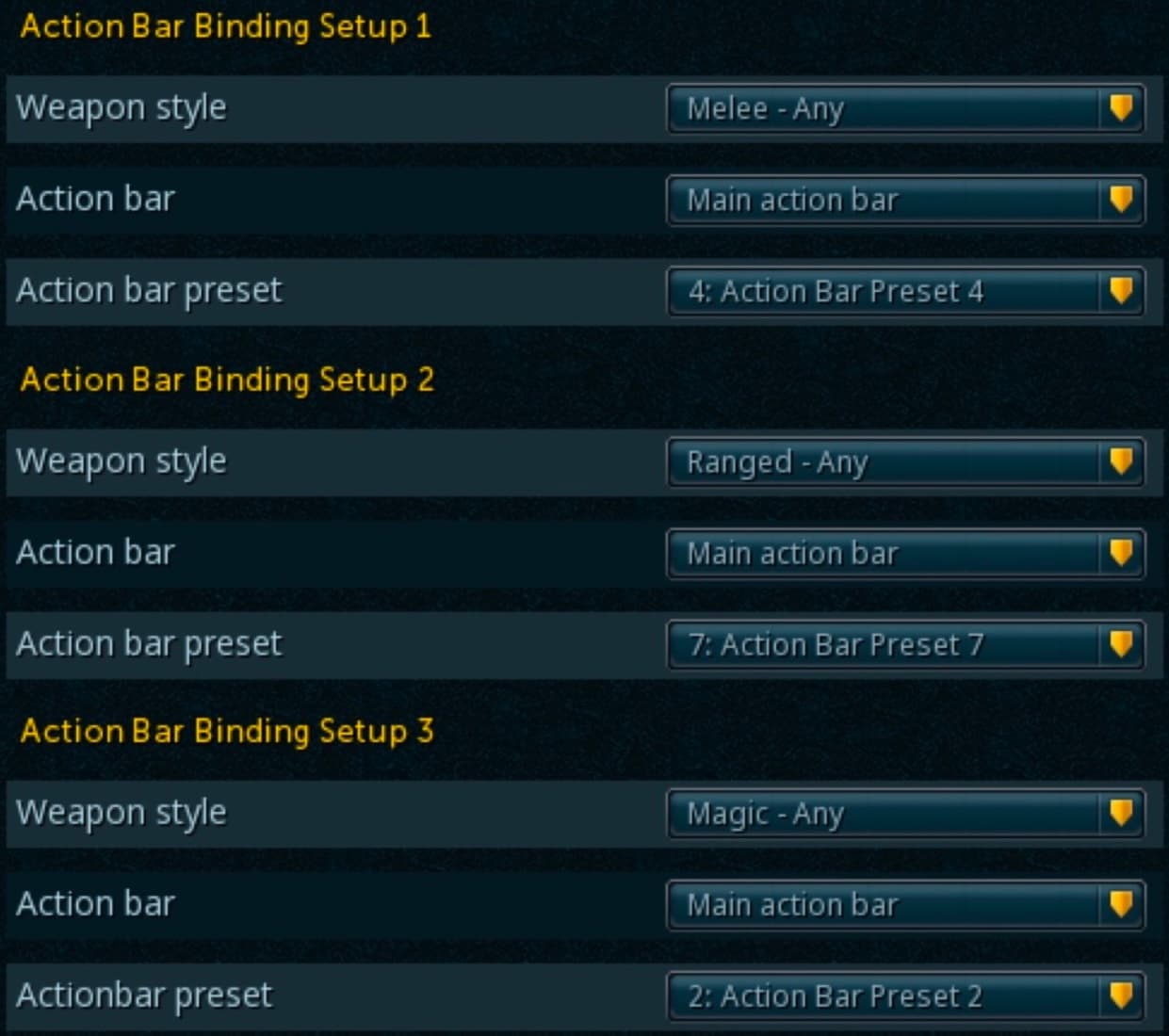
Action Bar Binding Setup
This setting can be a little confusing, even for veteran RuneScape players, so we're going to quickly run through it.
The Action Bar Binding Setup number is not related to anything; it is just a label heading for each group of settings. You can use any binding setup group.
- Weapon Style: Allows you to choose the combat style of the weapon you wish to assign the bar to. For example, for a melee bar, you would select "Melee - Any."
- Action Bar: Select which of your on-screen bars you would like to change. Most of the time, this will be the primary action bar.
- Action Bar Preset: Corresponds with the action bar number you would like the bar to change to.